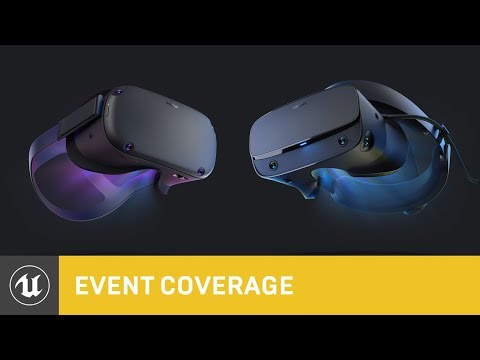
Using UE4 to Develop for Oculus Rift and Oculus Quest
summary
Step‑by‑step setup for UE4 targeting Rift and Quest: enable Forward Shading, Instanced Stereo (PC) or Multi-View Direct (mobile), Start in VR and MSAA; pick Quest signing (v2) and fixed‑foveated levels per scene. Use Project Launcher’s BuildCookRun to cook and deploy, inspect UE-4Oculus.txt console commands, filter logcat (DEBUG/UE4/VrApi), attach Android Studio with Dual debug and LLDB scripts for breakpoints, capture stats with Session Frontend, analyze frames with RenderDoc and timings with GPUView.
AI-written summary · about
chapters (14)
- 0:00Intro
- 0:51Using UE4 to Develop for Oculus HMDs Overview
- 1:26GitHub Oculus fork of UnrealEngine
- 3:36Project Settings
- 9:51Build Cook Run Mobile
- 12:11ADB logcat
- 13:45Android Studio
- 19:31Visual Studio Debugging Android projects using Visual Studio
- 21:03Session Frontend
- 23:56Session Frontent
- 24:31ProfileGPU
- 25:39RenderDoc
- 28:14GPUView
- 34:13Questions?
related talks
 57mGetting Started with Unity and AR/VR for the .NET Developer
 01h 44mVirtual Reality and OpenXR in UE5
 40mHow Drifter Optimized & Delivered Robo Recall for Oculus Quest
 56mDevelop Your Next Title in VR/MR for Meta Quest and Meta Horizon OS
 21mPro-tips for Mobile VR Production Workflows
 52mMastering Unity VR Rendering
 12mInside "Vader Immortal"
 01h 01mVR Performance Fundamentals for Quest 3/3S