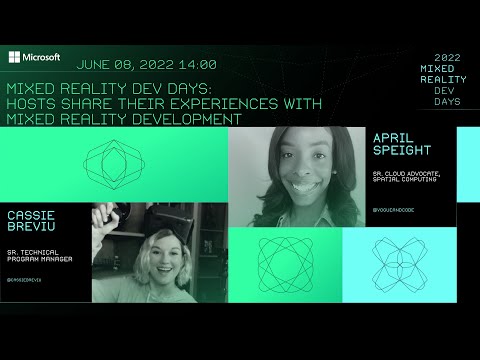
Hosts Share their Experiences with Mixed Reality Development
summary
Walkthrough of starting an MRTK 3 project: install the Mixed Reality Feature Tool, pick only the MRTK 3 packages you need, and use the editor to test grab and object manipulator interactions (they demo grabbing a coffee cup in-editor). Examples include theming and data binding, a proof‑of‑concept HoloDrum that toggles MRTK buttons into a steady BPM recorder, a museum guide tied to Q&A Maker for object‑aware narration, a simple physics game built in Babylon.js that exercises gravity, particles and shaders.
AI-written summary · about
chapters (7)
- 0:00MRTK 3 introduction
- 1:47MRTK 3 samples overview
- 2:33Mixed reality project showcases
- 5:47Educational mixed reality apps
- 8:56Museum and enterprise use cases
- 9:21Games in mixed reality
- 12:12Closing and next sessions
related talks
 47mEverything you need to know about Windows Mixed Reality.
 01h 08mDeveloping for Mixed Reality with HoloLens
 31mMerge Realities, Multiplay Wonder: Expert Guidance on Mixed Reality Development
 49mThere are Robots in my Bedroom - Introduction to Windows Mixed Reality
 26mMixed Reality: Stranger Things have Happened
 33mMixed Reality for Social Good
 46mHoloLens 301: Advanced Mixed Reality Development and Best Practices
 01h 01mHoloLens Development: The Next Steps