The secret weapon for developers, Notebooks.
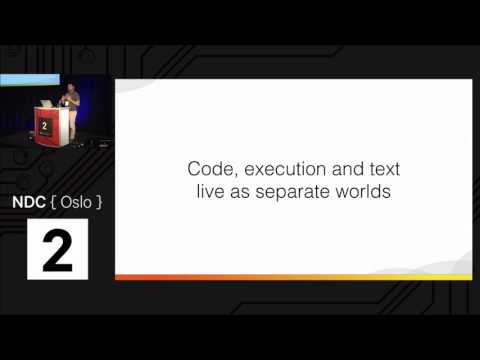
summary
Claims that Jupyter notebooks turn learning, spikes and prototyping from slow edit/compile cycles into immediate, in-page execution with code, plots and Markdown side-by-side. Shows tools and deployments: IPython origin (started as ~273 lines and grows to ~78k), kernels for >100 languages, Docker images, Azure Notebooks, GitHub rendering and JupyterHub multiuser servers. Demonstrates extensions (exercise widgets, syntax plugins), converting notebooks to HTML/Word, and using remote kernels; notebooks run, display plots and share reproducible results, not just static examples.
AI-written summary · about
chapters (9)
- 0:00Start
- 9:45run at the beginning of your python interpreter
- 17:37install your python notebook
- 21:51insert cells at the top or at the bottom
- 23:49embed equations together with your markdown
- 35:27interchange data frames between r and python
- 36:29install env extensions
- 37:34embed python code in your markdown
- 46:40install the whole jupiter
related talks
 41mAI pipelines powered by Jupyter notebooks
 32mCombining IPython with Open Source Papermill to enhance your Jupyter Notebook
 42mSimplifying Data Analysis with GitHub Codespaces, Jupyter Notebooks & Open AI
 27mThe Future of Notebooks in a Claude Code World
 01h 04mAI Agents and Jupyter Notebooks for Security Data Analysis
 39mJupyter AI — Bringing Generative AI to Jupyter
 30mEnhancing your JupyterLab Developer Experience with Local LLMs and Code Snippets
 38mSponsored Session: Jupyter AI v3: Human + AI Collaboration