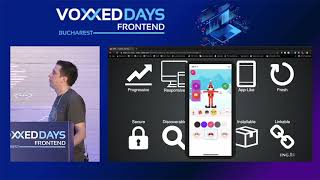
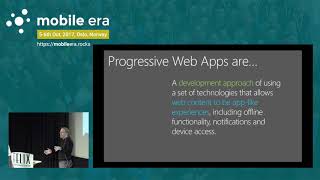
Designing great progressive web apps

summary
Progressive Web Apps use service workers and an app shell to make sites feel native, with examples like Twitter Lite and app shells that render components progressively; preload fonts via link rel=preload, keep touch targets >=48dp and start feedback under 100ms, and inline above‑the‑fold SVGs. Expect surprising numbers: average mobile load ~19s, 50–53% abandon after 3s, only 11% accept the install banner (62% ignore). Generate icons and manifests and test low‑end devices and offline flows.
AI-written summary · about
chapters (15)
- 0:00Designing Great Progressive Web Apps
- 5:40Use Material Design Components
- 11:45Maintain a minimum touch target size of 48dp.
- 12:45Add an app install button with animation
- 13:40Delay the app install banner until after the user engages with your app
- 16:20Don't use fake android native banners
- 18:04The burger menu might be hurting your UX
- 20:12Resilient
- 21:37Use the app shell model
- 23:37Web fonts are heavy- device fonts are weightless
- 26:18Design for the offline experience
- 29:03Provide an offline experience by default
- 30:00Give the user control to download for offline use
- 35:21Design for accessibility and low-end devices
- 36:23Consider high data cost and low-end phones