Use Your Words: Designing One-time Pairing Codes to Improve User Experience
summary
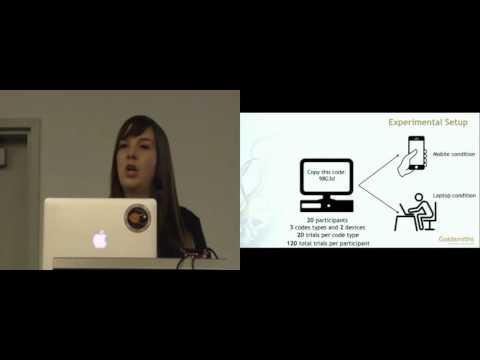
Compares three pairing formats—alphanumeric (5 chars from 56 → >500 million codes), numeric (9 digits), and three 3-letter English words (≈800 words^3 → >5 billion)—with 20 participants typing 120 codes each on phones and laptops. Measures: entry time, error rate, eye fixations, and NASA‑TLX. Words are significantly faster, produce fewer fixations, and equal error rates; workload ratings lowest for words. Security target is at least 500 million possible codes. Participants used their own phones; keyboard type was not tracked.
AI-written summary · about
chapters (9)
- 0:00Introduction to pairing codes
- 1:08Designing secure access codes
- 3:56Testing alphanumeric codes
- 4:39Exploring numeric and words codes
- 6:05User study setup and methods
- 6:48Results speed and accuracy
- 7:54User workload and preferences
- 8:16Conclusion and recommendations
- 8:59Q&A session
related talks
 30mA capital letter, a number, a special character, an emotional journey for the character, a subplot
 35mHuman Computation
 13mKnock, Knock. Who’s There? On the Security of LG’s Knock Codes
 22mA Usability Study of Five Two-Factor Authentication Methods
 23mAn Empirical Study of Textual Key-Fingerprint Representations
 28mRandom Passwords Aren't Good Enough
 25mEverything You Know About Passwords Is Wrong
 24mOf Two Minds about Two-Factor: Understanding Everyday FIDO U2F Usability