Structuring Accessible Forms

summary
Shows a working demo form built with native HTML plus a bit of JavaScript that uses aria-describedby for help text, aria-invalid to flag errors, and either the HTML required attribute or aria-required for required fields. Demonstrates NVDA + Chrome screen reader output, shows browser HTML validation insisting on one error at a time and disappearing, and then replaces it with custom validation that moves focus to a linked error list at the top so screen reader users hear all errors persistently.
AI-written summary · about
chapters (8)
- 0:00Introduction and speaker background
- 6:21Creating form fields
- 13:52Grouping similar fields
- 18:15Marking required fields
- 21:07Validating data formats
- 26:11Handling form errors
- 29:30Screen reader demo
- 40:35Summary and Q&A
related talks
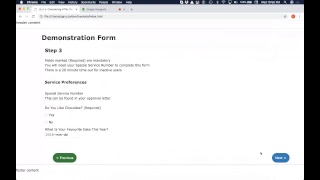 52mConsidering Accessible HTML Forms, JavaScript & WAI-ARIA
 28mAccessible Forms
 26mDemystifying Accessibility in React Apps
 47mBuilding Accessible Web Components
 18mInput Accessibility Deep Dive
 01h 07mInclusive Design Series: How to stop worrying and love accessible forms
 33mAccessibility Done Right
 30mPractical guide to building accessible forms in React