Launch Jupyter to the Cloud: an example of using Docker and Terraform
summary
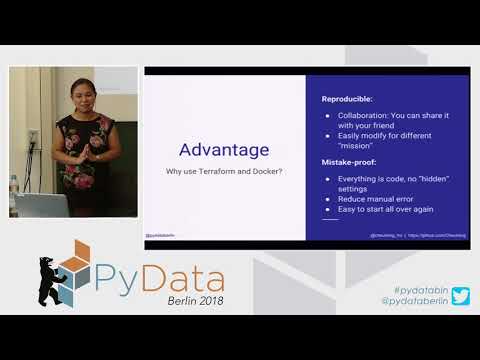
Deploys a Jupyter notebook on GCP by building a Docker image (swapping to GPU variants), writing a startup shell that installs drivers and Docker, and declaring cloud resources with Terraform so a single terraform apply launches an instance, runs the container, and exposes the notebook by IP. Demo shows it boots, works, and is torn down with terraform destroy. Notes include GPU cost tradeoffs, free trial credit, and a seven‑hour CPU training baseline.
AI-written summary · about
chapters (11)
- 0:00Introduction
- 2:11Docker and Terraform
- 5:19Coursera GPU challenge
- 7:29Cloud infrastructure setup
- 13:13Demo files overview
- 15:43Terraform launch instance
- 18:21Jupyter start troubleshooting
- 20:33GPU setup customization
- 21:38Accessing Jupyter notebook
- 22:00Cleaning up with Terraform
- 23:58Q&A
related talks
 26mTerraforming Jupyter and Dask: How to Get Your Own Cloud Data Science Platform on the Cheap
 22mDock Your Jupyter Notebook
 36mHow to Roll your own Dockerized Jupyter Environment
 01h 11mLearning to use Docker for development
 31mPanel: Jupyter in Education
 40mRunning jupyter notebook remotely in a docker swarm cluster
 31mBuilding an interactive training environment using JupyterHub
 36mBuilding a Scalable Data Science & Machine Learning cloud using Kubernetes