Leveling up your Jupyter notebook skills
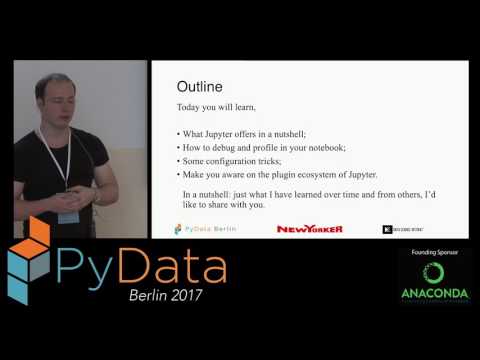
summary
Shows concrete, repeatable steps: use modal editor like VIM keybindings, create isolated conda envs and port‑forward a remote kernel, and install nbextensions such as table of contents and execution time to track work. Demonstrates profile and debug in notebooks (%%time, %prun and pdb integration) and auto-reload magic for iterative module edits. Provides GitHub repo and prebuilt Docker images with themes/extensions so themes, RISE slides and export to HTML/PDF either succeed or reveal which commands need fixing.
AI-written summary · about
chapters (15)
- 0:00Introduction
- 5:04Jupyter notebooks overview
- 11:08Jupyter architecture
- 19:22Setting up Conda
- 26:40Starting Jupyter server
- 31:04Notebook cells shortcuts
- 45:11Debugging profiling tricks
- 51:24Organizing cells
- 55:00Plotting techniques
- 1:01:30Magic commands
- 1:18:50Jupyter extensions
- 1:28:14Version control notebooks
- 1:30:03Performance optimization
- 1:37:18Advanced plotting
- 1:39:26Q&A
related talks
 28mUnlock the Full Potential of Jupyter Notebooks
 33mSignificant Roadblocks to Usefulness for Jupyter Notebooks and a Recipe to Fix them
 24mJupyter Notebooks for Ops
 49mBest tools for Jupyter notebooks
 25mOvercoming 5 Hurdles to Using Jupyter Notebooks for Data Science, by the JetBrai...
 27mAdding interactivity by extending Jupyter Notebook
 35mLearning and Managing Code with Code Notebooks
 29mOh no! I think my project is outgrowing my Jupyter notebook. How do I survive?