Me, Myself and eyeOS
summary
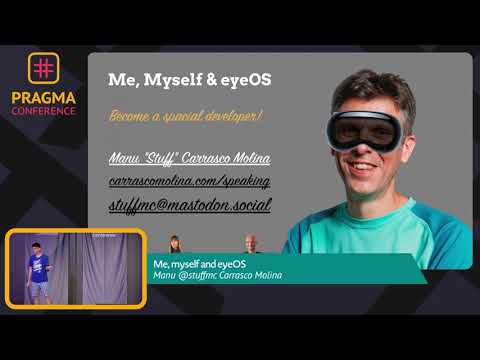
Walkthrough of Vision Pro hardware and dev stack with concrete limits: dual 4.5K micro‑OLED displays totalling ~23M pixels, about 12 cameras plus 6 head‑tracking sensors, M2 CPU + R1 coprocessor, 12 ms render latency and a ~2‑hour battery. Development uses Xcode 15.1 beta (Apple Silicon only for simulator), Reality Composer Pro/RealityKit, and occlusion meshes; icons require three layered images at specific sizes. Apps cannot access raw camera/sensor streams; eye data stays in Secure Enclave and immersive spaces present one at a time.
AI-written summary · about
chapters (26)
- 0:00Introduction and thanks
- 4:05Hardware overview of Vision Pro
- 10:28Eyesight and spatial audio
- 11:54Processor and sensors
- 12:58Navigation and interaction methods
- 14:25UI interactions and hover effects
- 15:28Software compatibility and limitations
- 17:39Dark mode and glass windows
- 19:03Tools for Vision OS development
- 21:35Debugging and sidecar features
- 23:21Icon design and rendering
- 25:06Types of apps and immersive spaces
- 27:09Programming immersive apps
- 28:14UI elements and volumes
- 30:01Sheets, alerts, and system behaviors
- 32:13Apple sample projects overview
- 34:23Reality Kit and attachments
- 37:18Privacy and Optic ID
- 39:04Porting web extensions to Vision OS
- 40:13Q&A session part 1
- 42:17Q&A session part 2
- 44:03Q&A session part 3
- 46:52Q&A session part 4
- 50:06Q&A session part 5
- 51:54Privacy and usability tradeoffs
- 53:01Accessing Apple Vision Pro workshops
related talks
 47mHow I Learned to Stop Worrying and Embrace visionOS
 31mConsiderations for designing and creating visionOS apps
 38mWebRTC and Spatial Computing on Apple Vision Pro
 45mGetting Started Developing for Apple Vision Pro with Unity
 44mIntroduction to Apple Vision Pro development
 21mBuilding Intuitive AR Experiences on VisionOS
 53mThe Application of Apple Vision Pro Spatial Computing in Social Aspects
 58mAccessible Spatial Computing