Build an inexpensive carrier-WiFi network on your laptop with Magma

summary
Claims a fully functional carrier‑WiFi lab running on a single laptop using Magma (Orchestrator, NMS, Federation gateway, Carrier‑WiFi access gateway) plus VirtualBox/Docker, a preowned Cisco Aeronet 1140 AP, blank USIMs burned with a reader/writer, Android/iOS phones and a home router for under ~$70 in extra hardware. Uses EAP‑AKA authentication, OVS + Linux tc for enforcement, and a FreePCRF to implement four data plans including a 100 MB/hour disconnect and a 200 MB/week throttle to 2 Mbps; it works with real phones and a stable July 2021 Magma commit.
AI-written summary · about
chapters (16)
- 0:00Introduction to project
- 1:28Understanding carrier Wi-Fi
- 2:36Lab challenges and goals
- 5:46Hardware requirements
- 7:43Software and network setup
- 10:42Magma component functions
- 14:19Network traffic flow
- 17:35Authentication and authorization
- 21:06Data plan configurations
- 22:13Access point configuration
- 24:49Client device setup
- 26:18Subscriber provisioning
- 28:49PCRF policy implementation
- 34:22Advanced policy rules
- 37:21Verification and debugging
- 40:32Q&A and conclusion
related talks
 20mBuilding Flexible, Low-Cost Wireless Access Networks With Magma
 24mMagma a Cloud Native Converged Core, Use Cases and Architecture
 18mMagma 101: An introduction to Magma
 23mHow Magma Unleashes “Open Source Telco and 5G” Evolution
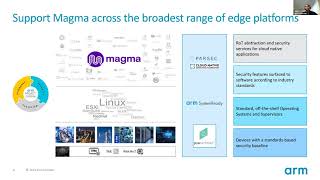 30mMagma on Arm – porting and best practices
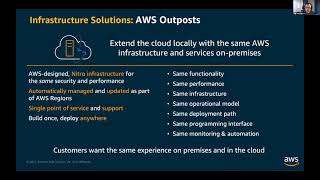 52mMagma Cloud Deployment on AWS
 55mUnleashing the 5G value
 44mHow 5G Edge is being used to solve customer problems