The Velvet Revolution: Dockerizing Legacy ASP.NET Apps
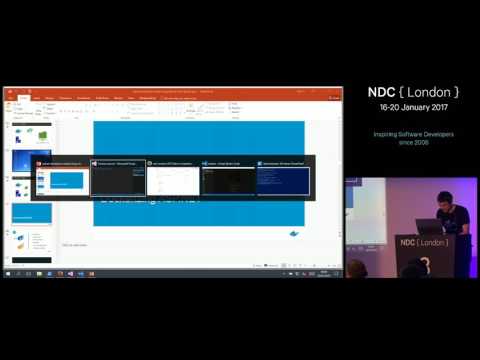
summary
Shows that a legacy ASP.NET WebForms app runs unmodified inside a Windows Server Core Docker image built from a simple Dockerfile, with SQL Server Express as a container, service-monitor and a health check; the web worker uses ~190 MB RAM. The app then modernizes in stages using Docker Compose, a NATS message queue to decouple web from DB, and an analytics pipeline with ElasticSearch + Kibana. The incremental build delivers independent scaling, self-service reporting and a swappable homepage, and the demo runs end to end.
AI-written summary · about
chapters (10)
- 0:00Start
- 5:12start with microsoft windows server core
- 12:57running sequel server in docker
- 14:09turn off the dns cache in windows
- 17:12start sequel server running on my machine in a container
- 17:31running a new container
- 18:38passing a value for an environment variable to the application
- 32:37using a custom database connection string
- 43:47add a new component
- 55:00change the landing page
related talks
 01h 02mMove legacy apps to Windows Containers
 01h 06mBuilding Docker Applications with .NET
 58mDeploying Applications as Containers on Windows Server 2016
 01h 06mFrom Core to Containers to Orchestration - Modernizing my Compute
 47mDocker On Windows 101
 01h 01m.NET and Containers - each layer of abstraction indistinguishable from magic
 01h 07mDev and Test Agility for your Database with Docker
 45mDev and Test Agility for your Database with Docker