Building Connected Azure Apps with Xamarin
summary
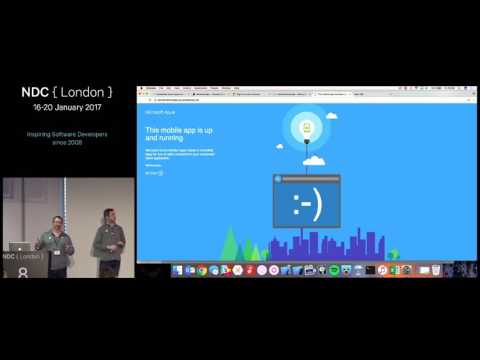
Shows how a complete connected Xamarin app is built end-to-end using Azure App Service: upload a CSV to Easy Tables to auto-create an Azure SQL table and a Node.js REST API, and spin up a backend in about 11 minutes. Front end uses Xamarin with the Azure Mobile SDK plus offline sync via SQLite store and a connected observable collection from App Service Helpers. Demonstrates native Facebook auth (token refresh, secure storage), an App Store app already working, and when to move from Easy Tables to full ASP.NET.
AI-written summary · about
chapters (17)
- 0:00Start
- 12:15Topics
- 12:34Azure Client SDK
- 14:10More useful SDKS
- 17:33Init the SDK
- 18:14Create mobile client
- 18:40Create tables
- 19:42Query local data
- 20:05Relationship Advice
- 23:36Getting Started
- 24:47Download today
- 35:58Authentication Options
- 36:31Server Side Auth
- 38:09Why use a native SDK?
- 40:51SDK Components
- 41:59Client Side Auth
- 42:15Available from Nuget & Component Store
related talks
 51mCreating Your First Mobile Backend using App Center Data
 24mHearing about Azure Cosmos DB to building a Full Stack Web App in a month using Azure Cosmos DB
 54mWhere's my Stuff? Exploring data storage options in Azure
 50mA Deep Dive into DevOps Practices with Azure SQL
 21mBuild the next big thing with MongoDB Atlas on Microsoft Azure
 43mIncrease developer velocity with Azure SQL Database from data to API
 43mDatabase capabilities you need for your next awesome app Q&A
 28mBuilding a fully featured scalable chat app