How to go from opening Visual Studio to interacting with a live chat bot in 10 minutes
summary
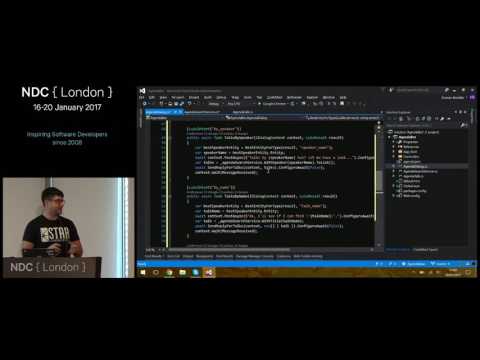
Live-codes a functioning conference-agenda chat bot in under ten minutes, using Microsoft Bot Framework for dialogs and message plumbing, LUIS for intent and entity extraction (including times and speaker names), an in-process JSON agenda as the data source, then Azure deployment and a Skype channel hookup so attendees can actually message it. The demo includes thumbnail card replies, simple DI/workflow glue, and a working Skype interaction on stage.
AI-written summary · about
chapters (4)
related talks
 41mBuild a great conversationalist
 27mLet's Chat-Bots using Azure AI
 42mLet’s Chat-Bots using Azure AI
 46mWELCOME TO THE AGE OF CONVERSATIONAL INTERFACES!
 01h 00mDeep dive into building Bots with the Microsoft Bot Framework and Cognitive Services
 54mDeveloping Sophisticated Conversational Experiences w/ Microsoft AI Platform
 56mBuilding Intelligent Bots using Microsoft Bot Framework, Azure Bot Service and Cognitive Services
 59mBuilding Intelligent Bots using Microsoft Bot Framework and Cognitive Services