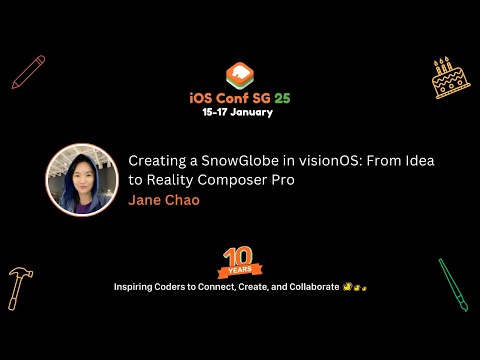
Creating a SnowGlobe in visionOS: From Idea to Reality Composer Pro
summary
A complete visionOS snow globe is built as a USD scene using Reality Composer Pro with basic 3D via extrusion and box modeling, plus particle presets, lights and spatial audio; the final app needs about 30 lines of code to hook timelines and behaviors to SwiftUI and to add the required tap gesture. Key gotchas: enable particles in local space or snow moves with the globe, adjust audio rolloff (up to 5), and use notification-triggered timelines to bridge composer actions and app code — the prototype runs as intended.
AI-written summary · about
chapters (11)
- 0:00SnowGlobe project intro
- 0:443D snow globe modeling basics
- 5:05Extrusion and box modeling
- 11:18Reality Composer Pro setup
- 13:09Particle effects and space
- 14:13Lighting for realistic scenes
- 15:40Spatial and ambient sound
- 18:33Button interactions and timelines
- 21:03Custom notifications in RealityKit
- 23:35Minimal SwiftUI for RealityView
- 25:00Summary
related talks
 47mHow I Learned to Stop Worrying and Embrace visionOS
 31mConsiderations for designing and creating visionOS apps
 53mThe Application of Apple Vision Pro Spatial Computing in Social Aspects
 26mFrom Zero to Immersive Hero: Practical Techniques to Glow Up Your Immersive Content
 38mDesigning Spatial Apps for Apple Vision Pro
 40mLearn By Doing. Understanding spatial computing one small app at a time
 44mRecreate some of the classic prototype implementations on visionOS (live code)
 33mVision Pro's impact of UX design