Authenticating to HashiCorp Vault in a VMware vSphere Environment

summary
Shows a working open source platform called vAuth that mimics a cloud metadata service in vSphere so VMs can authenticate to HashiCorp Vault. It reads VM identity via VMware guestinfo (requires VMware Tools), validates that identity against a vAuth database and returns a Vault token via a custom Vault auth plugin. Demo provisions a Windows VM, installs a Vault agent, gets a client token and one-to-one policies — the prototype works end-to-end.
AI-written summary · about
chapters (14)
- 0:00Intro
- 0:41Secure Introduction
- 1:56Vault Auth Methods
- 2:32Vault AppRole
- 4:59Vault Agent Auto-Auth
- 7:18Trusted Platform Examples
- 8:09vSphere Metadata Challenge
- 8:46vSphere Metadata Solutions
- 9:35vSphere Guest Info
- 14:17Authentication Workflow
- 16:06Database
- 16:37Object Storage
- 16:59Streaming Platform
- 17:40Martez Reed
related talks
 27mManaging VMware Environments with HashiCorp Vault
 28mSecret Management with Hashicorp´s Vault
 44mSecret Management with Hashicorp's Vault
 43mSecret Management with Hashicorp's Vault
 40mA Better Way To Manage Secrets
 42mZero Trust security with HashiCorp Vault and AWS (PRT239)
 31mIntegrating HashiCorp Vault & Active Directory: Pretty Fly for a Windows Guy
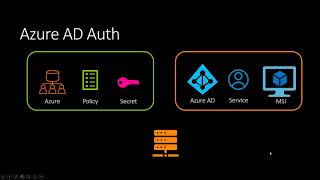 20mAzure Authentication With Vault