Building an accessible auto-complete

summary
Step-by-step recipe for an accessible autocomplete: build a form with a labeled input, a separate Clear button (avoid browser-internal clear controls), a submit button, a UL of suggestions and a hidden div for instructions; use aria-expanded toggled true/false, aria-owns linking input to the results, role="listbox" on the UL and role="option"/aria-selected on LIs, tabindex management and aria-live="assertive" for dynamic counts; support Tab, Enter, Up/Down, Escape, restore sensible focus after actions and test with VoiceOver, NVDA or JAWS.
AI-written summary · about
chapters (12)
- 0:00Introduction
- 8:01Focus
- 10:05Keyboardonly
- 16:28Markup
- 21:11DescribeBy
- 23:07Owns
- 24:09Expanded
- 26:17Unordered List
- 29:44Hidden div
- 32:55Other good examples
- 36:29Where focus goes
- 40:06Seeing real users
related talks
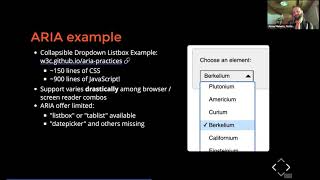 49mHow to create accessible JavaScript widgets with basic HTML components
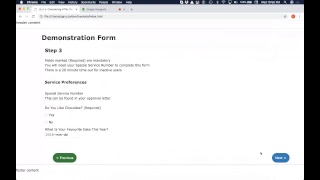 52mConsidering Accessible HTML Forms, JavaScript & WAI-ARIA
 18mInput Accessibility Deep Dive
 28mAccessible Forms
 25mBuilding Accessible UI using GitHub Copilot
 47mBuilding Accessible Web Components
 50mStructuring Accessible Forms
 31mAccessible Forms: It's Not as Difficult as You Think