The Curious Case of Android Button

summary
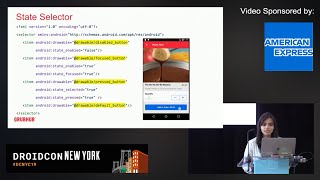
At Yelp tens of millions of button clicks a day drive careful choices: buttons are implemented as TextView subclasses with backgrounds defined by ripple drawables layered over shape drawables, insets reserved for shadows, and colors supplied by color state lists so disabled states render correctly. Material components rely on API 21+ elevation and a StateListAnimator that animates elevation and translationZ for press/disabled states. Practical tips: use AppCompatButton, prefer theme overlays or runtime-created drawables for A/Bable colors, and always support the full set of widget states.
AI-written summary · about
chapters (15)
- 0:00Introduction and Yelp overview
- 1:03Why talk about Android buttons
- 2:27History of buttons in UI design
- 6:01Designing button shapes
- 9:11Understanding shadows in Material Design
- 11:59Android button framework deep dive
- 15:31Button styles in support library
- 19:49Typography for buttons
- 21:33Button hierarchy and color contrast
- 23:18Customizing button colors
- 27:13Theme overlays vs background tint
- 31:07Button feedback and states
- 33:34Animating button shadows
- 37:08Key takeaways and conclusion
- 38:37Q&A session
related talks
 44mThe Curious Case of Android Button
 43mMobiconf 2018: Nicola Corti, Yelp Inc.
 24mModularizing your Android UI with Style Guide-Driven Development
 26mLiving in a Material world
 09mBuilding modern Android app widgets
 36mBuilding UI Consistent Android Apps
 43mCustomizing Theme and Style for Material Design
 33mIncorporating Material Theming into Custom Views