Five podman features you didn’t know about or that you should consider start using

summary
Desktop installs in a minute on macOS/Windows using a small VM (libkrun/WSL) and exposes a GUI with image/pod management and plugins including a Podman Desktop AI extension; Podman runs rootless across Linux, Windows, and macOS. System service files are autogenerated via Quadlets (systemd unit generation) and have Ansible modules for declarative deployment; remember user-service linger is the common gotcha (about 90% of failures). Features demoed include Auto-Update, healthcheck log location and size, Farm, and shell completion.
AI-written summary · about
chapters (5)
- 0:00Introduction
- 1:05Podman Desktop
- 7:29Systemd in containers
- 12:10Ansible integration
- 14:01Container configs
related talks
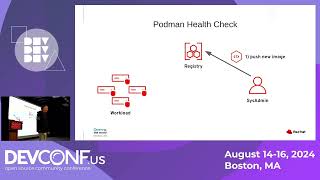 36m10 Cool features in Podman and Podman Desktop
 34mPodman 101 and Beyond!
 37mPodman 5 & Long-Term Software Maintenance
 30mA Free Alternative to Docker: Podman
 29mSimplifying container orchestration with Ansible and Podman
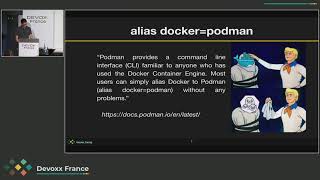 32mSeals to the Rescue of Whales - Discovering Podman
 13mAutomate your applications with Podman and Ansible
 27mLet’s Farm Out Our Image Builds!