Podman Desktop your new best companion to go from

summary
Podman Desktop 1.0 targets developer workflows by taking running containers or Docker Compose and generates Kubernetes YAML from containers, letting users create pods, view logs, inspect contents and deploy to clusters in kubeconfig or OpenShift Local. It runs container engines (currently supports Podman Docker and Lima), handles private registries and offline proxy setups, can build and push images from the VM-based environment on macOS/Windows, and is young (≈1 year) with rapid feature churn and stability work ongoing.
AI-written summary · about
chapters (10)
- 0:00Introduction to Podman desktop
- 2:15Working with container engines
- 5:13Enterprise and cluster settings
- 6:51Managing images and demos
- 10:37Container and pod operations
- 14:16Image builds and deployment
- 17:16Registry and push workflows
- 20:22Pod creation and management
- 25:55Audience Q&A session
- 31:46Future outlook and conclusion
related talks
 35mSimplifying Containers and Kubernetes on Your Laptop with Podman Desktop
 29mGoing from containers, to pods, to Kubernetes – help for your dev environments
 42mContainers and #Kubernetes Made Easy Deep Dive into Podman Desktop
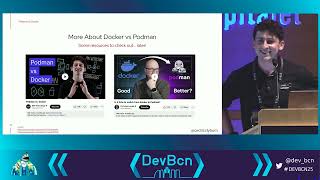 47mGoing from containers, to pods, to Kubernetes – help for developer environments!
 26mWhat's New in Docker Desktop
 32mDeveloping on Containers with Dev Containers
 01h 32mTutorial: Set Up Your Shell For Kubernetes Productivity And Be Efficient Quickly
- 32mDeveloping on Containers with Dev Containers