How to Build a Quokkabot

summary
Builds a working quokka‑identifying chatbot that receives images via Twilio WhatsApp, sends the image URL to an Azure Function, calls Microsoft Custom Vision API (trained model) and returns labeled probabilities back over WhatsApp; also wires MMS and SendGrid for multi‑channel flows. Live demo shows images appear in the Custom Vision dashboard and the bot reports confidences (example 99.96% for a quokka) while admitting occasional errors. Code uses environment variables for keys, Twilio media URLs to avoid uploads, and a QR link for instant testing.
AI-written summary · about
chapters (9)
- 0:00Introduction
- 2:43WhatsApp chatbot with Azure
- 3:49Azure function setup
- 7:05Processing WhatsApp images
- 8:36Microsoft Cognitive Services
- 11:11Showing classification results
- 14:04Fun Quokka image requests
- 16:56Live demo and testing
- 19:07Conclusion
related talks
 57mHow to Build a Quokkabot
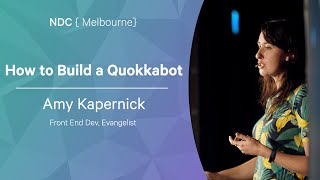 55mHow to Build a Quokkabot
 10mThe future is here, and it started 5000 years ago
 55mEnterprise Chatbots (using messaging and AI to build novel user interfaces for work)
 01h 09mBuild your own KITT with Azure Cognitive Services
 48mAn App That Sees, Hears and Responds
 35mAI JavaScript Rocks
 31mMachine Learning-Enabled Chatbots