Accessible charts done right

summary
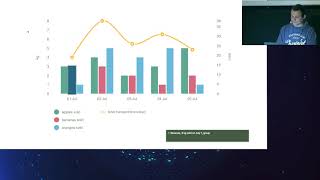
Covers four practical techniques: short descriptive alt/label + <desc> for simple charts, making each mark focusable with tabindex=0 and aria-label so screen readers read points, and adding a skip link to avoid tabbing dozens of elements (recommend switching strategy over ~20 items). For complex data, pair charts with simple split tables using <caption> and scope, or offer CSV/PDF downloads. For heavy pages (250 charts caused ~17s on an old phone) consider server-side rendering of static SVG/HTML to save client CPU.
AI-written summary · about
chapters (11)
- 0:00Introduction and sound check
- 1:06About the speaker and topic
- 2:52Why accessible charts matter
- 3:57Simple chart accessibility
- 7:30Complex charts accessibility
- 10:19Skip links for navigation
- 13:30Accessible data vs charts
- 16:26Charts and tables combination
- 18:55Performance in accessibility
- 21:27Server-side chart rendering
- 21:48Summary and resources
related talks
 35mAccessible Charts Done Right
 34mAccessible Charts Done Right: Myth or Reality
 41mAccessible Charts Done Right
 50mAddressing the Core Issue of Data Visualization Accessibility
 15mThe Future of Data Visualization on the Web
 01h 02mDeveloping Accessible Charts
 33mPainting with Data
 21mMusical Charts: Using OSS to Make Data Visualizations Accessible to Visually Impaired Users