Add Programmable Voice and Video to a Web App
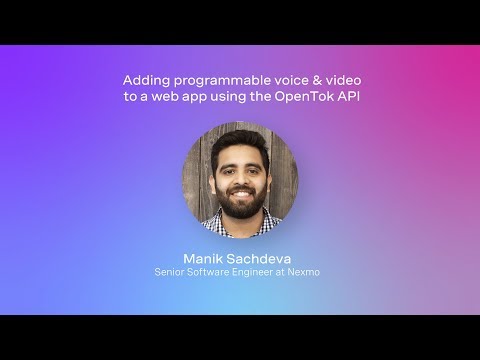
summary
Shows how to integrate OpenTok (Vonage Video API) into a web application to add programmable voice and video, including screen sharing and recording (archiving). Also demonstrates connecting PSTN participants by integrating Nexmo SIP Connect.
AI-written summary · about
chapters (30)
- 0:00Start
- 0:36Agenda
- 1:15Client-Side Sdks and Server-Side Sdks
- 2:39Relayed Mode
- 4:11Rules
- 5:19Events
- 5:58Reconnections
- 6:49Basic Api Model
- 7:28Platform
- 8:06Browsers
- 8:29Archiving
- 9:00Types of Archives
- 9:30Layout Control
- 9:58Resolution Support
- 12:17Sample Application
- 13:34Clone this Repository
- 15:30Prerequisites
- 16:06Demo
- 17:28Chrome Browser
- 17:44Create a Project
- 27:15Dependencies
- 27:29Code Folder Structure
- 32:29Create an Open Talk Session
- 33:07Create a Session
- 38:46Initialize a Publisher
- 42:47Playground Tool
- 48:34Archive Details
- 49:55Set the Session in Memory
- 55:29Pstn Link
- 1:05:21Turn Server
related talks
 09mGetting Started with the Vonage Video Reference App for React
 43mNow Hear This! Putting Real-Time Voice, Video and Text into Rails
 17mIncrease Engagement, Stickiness & Revenue Opportunities with Real-Time Voice & Video
 36mWebRTC Use Cases
 08mWelcome
 05mLive Voice Transformations For Web Conferencing Using The Browser
 18mEmbedding customer communications into applications
 38mReal-time Communication on Mobile