Git-ting along with others
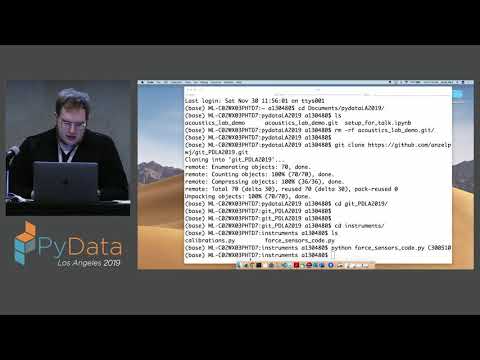
summary
A hands-on walkthrough of collaborative Git work shows actual commands and failures: creating branches and forks, pushing a new branch, running git fetch then diagnosing runtime errors from copy/paste, fixing overwritten variables and a missing equals, and resolving merge conflicts with VS Code or SourceTree. The workflow includes opening a pull request, adding reviewers, running tests locally, linking issues to PRs, and using git blame and revert/cherry-pick recipes to recover when merges or commits go wrong.
AI-written summary · about
chapters (13)
- 0:00Collaborative Git workflows
- 1:54Shared Git repository setup
- 3:24Merge conflicts resolution
- 13:10Branching for teamwork
- 16:31Code review importance
- 27:43Advanced branching strategies
- 33:30Forks vs branches
- 37:13Pull requests creation
- 41:16Git for data science
- 51:59Code review best practices
- 1:01:21Live code review demo
- 1:12:34GitHub issues tracking
- 1:18:54Cleaning branches and history
related talks
 27mTaking code to next level with Open Source (Git & Github)
 20mFundamentals of Git
 26mGit in Control, Version Control and How it Could save Your Life
 01h 08mHow Effective Teams Use Git
 46mGitting things done
 28mHow to Really Get Git
 01h 30mGit workshop from the scratch
 02h 57mA Comprehensive Guide to Setting Up and Using Git...