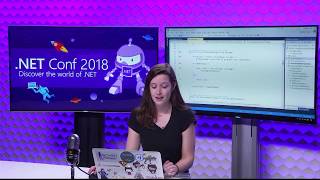
Increase your .NET Productivity Tips & Tricks in Visual Studio 2019

summary
Demo-heavy tour of Visual Studio 2019 shows exact changes: hundreds of new refactorings and one‑click code cleanup via EditorConfig, Roslyn analyzers packaged as Microsoft.CodeAnalysis.FxCopAnalyzers with editable severities and build‑time enforcement, Test Explorer scaled to handle 200k+ tests, Live Unit Testing and Live Share cross‑editor collaboration with integrated chat and shared debugging, Intellicode AI completions (including team models) and a preview of cross‑repository code search and vertical document tabs.
AI-written summary · about
chapters (9)
- 0:00Intro
- 1:26CODE FIXES AND REFACTORINGS
- 9:24ANALYZERS
- 10:27EDITORCONFIG AND CODE CLEANUP
- 15:13CODE ANALYSIS PROJECT PROPERTIES
- 16:24TEST EXPLORER
- 21:15INTELLICODE
- 27:37PREVIEW FEATURES
- 32:19SNEAK PEEK!!
related talks
 53mLatest Productivity Updates in Visual Studio 2017 Update 15.8
 01h 01mModern day C# development in Visual Studio 2019
 01h 01mModern day C# development in Visual Studio 2019
 44mAdvanced developer tips and tricks in Visual Studio
 07mWhat’s New in Visual Studio 2019 (Preview)
 01h 02mVisual Studio Toolbox Live
 59mGetting the Most Out of .NET Development with Visual Studio
 01h 03mWhat’s New in VS 2017 + VS Code