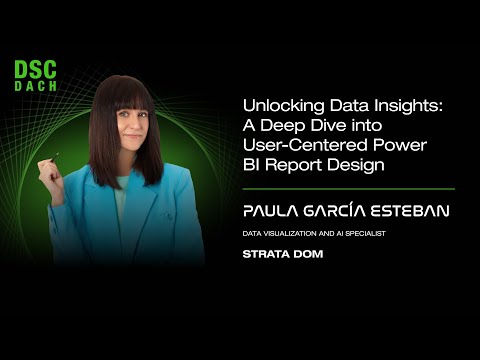
A Deep Dive into User-Centered Power BI Report Design
summary
Claims a repeatable, design‑thinking process that shifts effort from styling to solving user problems, using mockups.com for interactive low‑fi prototypes, a Power BI theme JSON plus .pbix component library and grid for rapid styling, and reusable templates so formatting is copy‑paste via format painter. She reports implementation time drops to half an hour per page, produces consistent, accessible reports, enables MVP testing and a feedback loop, and speeds delivery while preserving usability.
AI-written summary · about
chapters (10)
- 0:00User-centered Power BI design
- 7:05Complex problems in report design
- 12:24Design thinking for Power BI
- 20:13Prototyping report structures
- 25:16Creating and implementing design systems
- 36:15User-centered workflows
- 53:57Prototyping tools and mockups
- 1:08:30Choosing visualizations
- 1:12:42Standardizing reporting
- 1:18:24Q&A
related talks
 20mPower BI meets UX Design: The Design Process
 47mMastering Power BI Design with User-Centric Frameworks
 50mPower BI meets UX Design: Creating accessible, intuitive and visually appealing reports
 46mVisualizing Data for Non-Data Experts: Making Reports Accessible to All
 20mLevel-Up Power BI Dashboard Storytelling with DataViz Tools
 22m5 Things You Can Do to build better looking reports
 25mTake your Power BI Reports to the Next Level
 01h 08mAdvanced Modelling and Calculation Using the Power BI Designer