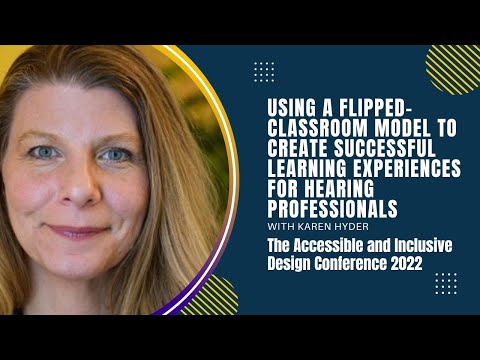
Using A Flipped-Classroom Model to Create Successful Learning Experiences for Hearing Professionals
summary
A flipped classroom runs pre-learning on Intellum with Wistia video and 60 minutes of work before 90-minute live sessions in Adobe Connect + Intellum, uses chat, polls and posted transcripts, and requires live attendance for CEUs so recordings don’t count. The program reaches 89 countries and logs 26,563 registrants since 2017. Team grows to include programmers, registrars, captioners and producers; breakout rooms prove unreliable, while a live captioner and structured scenarios reliably show learner application.
AI-written summary · about
chapters (13)
- 0:00Start
- 5:09Goal: Teach a global audience of professionals and parents
- 7:29Applying Seek, Sense, and Share
- 9:24Delivery platforms
- 11:42Project and Content management tools
- 12:17Production and preparation and planning steps
- 27:11From Session 3 Quiz...
- 27:28What vocabulary words/ concepts could be emphasized?
- 30:45Consider your own course(s). How might you support...
- 35:54Learner feedback survey
- 36:51Things we wish we had known before we started
- 38:26What takeaways will share and/or apply immediately?
- 41:09Useful Adobe Connect tools
related talks
 49mEstablishing a Scalable A11y Education Ecosystem
 42mTeaching Online in an Accessible and Effective Way
 53mAdapting Courses and Gamified Content for Blind and Low Vision Learners
 45mAccessible Audio & Video
 33mA11y Driving Innovation
 51mWorking from Within: Having a Disability and Working in Digital Accessibility
 30mHear! An Accessibility Tale from a Hearing-Impaired Senior Software Engineer
 01h 00mEmpowering Instructors: Mastering Accessibility for Inclusive Learning Experiences