~/talk

CSS Secrets for Beginners
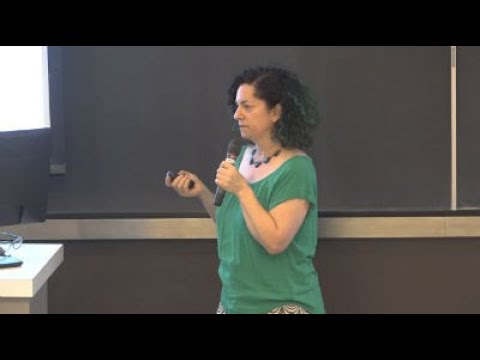
Talkat WordCamp Montréal 2018 · 2018-08-11..08-12· [wordpress, css]
links:none on file
slides:none on file

Ten concrete hacks: ten quick CSS tips for WordPress sites, using the built‑in Additional CSS editor in WP 4.7 with syntax checking, the browser inspector to find selectors, and combining selectors to refactor code. Shows how to hide the tagline with display:none vs visibility:hidden, insert a maple‑leaf image before titles with ::before and ::after using content:url(), enqueue Google Fonts via a plugin, use .home and page IDs to scope rules, and apply media queries to hide hero areas on small screens.

AI-written summary · about

  1. 0:00Intro
  2. 0:37Before We Start What is CSS? Do I need to write down the secrets?
  3. 3:27Custom CSS editor formatting
  4. 4:53Get to know your browser inspector
  5. 5:54Play hide and seek
  6. 7:31before and after
  7. 9:30WordPress classes
  8. 11:21Target multiple elements
  9. 12:18Changing Fonts
  10. 14:53CSS no-go zones
~/search
type to search 6,518 conferences, 143,918 speakers and 192,133 talks
~/help
cmdctrl k
search every conference, speaker and series
/
focus the filter search
h
home
c
conferences
s
speakers
e
series
t
light / dark — the status bar button does the same
← →
on a talk: 5 seconds back / forward
0–9
on a talk: jump to 0%–90% of the recording
?
this help
esc
close this, then clear every filter — or just the search, while you are typing in it

Ignored while you are typing. Pages without a filter rail have no search to focus.