~/talk

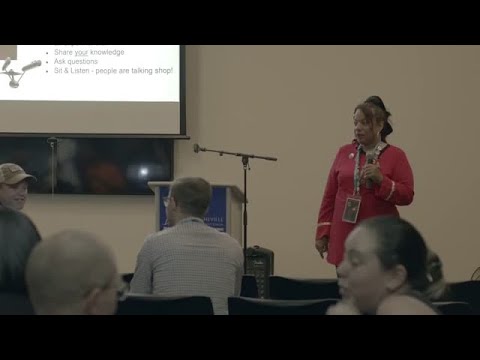
So, You’re at a WordCamp - Now what?
links:none on file
slides:none on file

Attendees learn concrete steps: a note-taking system (highlight key lines, label by use), real-time social posting with phones and hashtag WCAVL, short networking scripts and volunteer intros, plus how to mine sponsor booths. Practical tools include Slack, photograph business cards into Google Keep, grab speaker slides quickly, and watch missed sessions on WordPress TV. Also: a free “happiness bar” for hands-on site fixes, kids camp ages 7–14, and typical registration around $50 for a two-day event.

AI-written summary · about

  1. 0:00Welcome and introduction
  2. 2:38Why attend WordCamp
  3. 8:59Engage with social media
  4. 14:21Networking and conversations
  5. 25:26Post-event follow-ups
  6. 31:52Build lasting connections
  7. 36:55Speaking and community growth
  8. 38:00Q&A session
~/search
type to search 6,518 conferences, 143,918 speakers and 192,133 talks
~/help
cmdctrl k
search every conference, speaker and series
/
focus the filter search
h
home
c
conferences
s
speakers
e
series
t
light / dark — the status bar button does the same
← →
on a talk: 5 seconds back / forward
0–9
on a talk: jump to 0%–90% of the recording
?
this help
esc
close this, then clear every filter — or just the search, while you are typing in it

Ignored while you are typing. Pages without a filter rail have no search to focus.