Graphics for Speed, Retina Display and SEO
summary
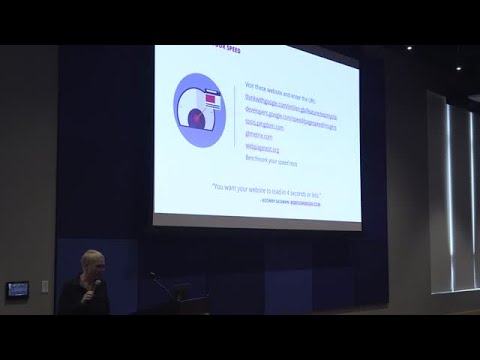
Explains concrete steps: convert JPEGs/PNGs to WebP (≈30% smaller) via a WordPress plugin with browser fallbacks, export SVG code from Illustrator for simple logos (SVGs can be as small as 5 KB but complex SVGs may exceed PNG size), use Photoshop CC Export As to create 1x/2x/3x assets and convert to sRGB, run compressor.io or TinyPNG, lazy-load offscreen images, give every image meaningful alt text for ADA and SEO, aim for <50 KB images, and benchmark speed with j-teammetrics.com and Google mobile test.
AI-written summary · about
chapters (16)
- 0:00Introduction and background
- 0:26Vector vs pixel graphics basics
- 1:10Image file types overview
- 2:32WebP and SVG formats
- 4:21Retina display graphics explained
- 5:44Text on images and mobile readability
- 6:26SEO and load time importance
- 7:09Keyword research for images
- 8:13Alt text and ADA compliance
- 9:38Image compression tools
- 10:22Testing website speed
- 12:07Lazy loading images
- 12:28Exporting from Photoshop CC
- 14:14SVG code for logos
- 15:58SVG limitations and tips
- 16:24Q&A and closing remarks