You're a Power BI Admin? Let's get your threads aligned for Fabric!

summary
Fabric treats Power BI as a workload on a unified platform and requires paid capacity for any lakehouse, warehouse, KQL database or pipeline (trial capacities exist but tenant and capacity admins can override tenant settings). Capacities charge for uptime and compute; storage is billed for OneLake at about $0.023/GB/month. Overload behavior moves from throttling to rejections and background rejection that can fail user queries and refreshes. Admin tools to use: the admin monitoring workspace, the metrics app, domains to group workspaces, and sharable cloud connections for centralized source configs.
AI-written summary · about
chapters (10)
- 0:00Introduction
- 3:16Microsoft Fabric core concepts
- 10:42Admin portal tenant settings
- 18:14Fabric licensing and costs
- 24:57Workspace structure and permissions
- 28:56Domains for workspace organization
- 35:06One Lake explained and its implications
- 37:55Admin monitoring and observability
- 42:13Cloud connections for governance
- 47:13Roadmap and closing
related talks
 43mPower BI Monitoring 101
 30mDataEngBytes 2023 - BRI-T1-04 - Mimoune Djouallah
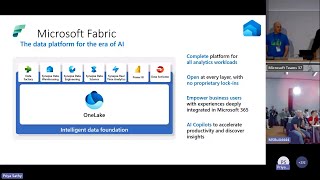 46mMicrosoft Fabric Synapse data warehouse Q&A
 49mExtend and enhance your analytics applications with Microsoft Fabric
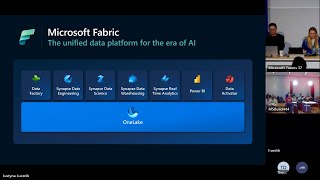 50mMicrosoft Fabric Data Factory Q&A
 59mFinding Your Balance: BI in the Cloud, On Premises, or Both
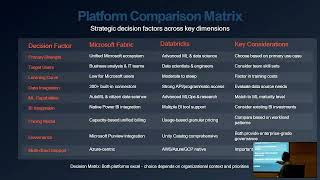 26mIntegrating Microsoft Fabric and Databricks for Modern Data Analytics
 27mModernize your data integration to enable petabyte scale analytics with Microsoft Fabric