Excel Charting Tips
summary
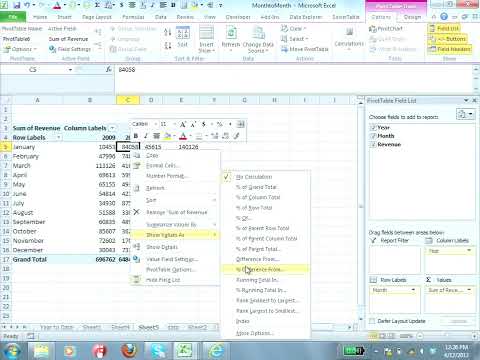
Shows concrete Excel 2010 steps: put pictures inside column bars, use Ctrl+T table so new rows auto-update charts, and save custom charts as a template. Uses pivot tricks like Show Values As -> Running Total / % Difference (Previous Year) and GETPIVOTDATA to feed charts. Builds a band chart with stacked area + hidden base, a waterfall from stacked columns, dynamic labels via MATCH+TEXT/CONCATENATE linked to series, and a live histogram using the FREQUENCY array (Ctrl+Shift+Enter) — all demonstrated working on NBA and GDP examples.
AI-written summary · about
chapters (12)
- 0:00Excel charting talk
- 3:28Company logos in column graphs
- 6:18Pivot table seasonality settings
- 15:57Conditional formatting with data bars
- 21:53Custom icon sets in formatting
- 27:40Charts as templates
- 30:09Dynamic labels with functions
- 36:33Dynamic histograms
- 44:42Waterfall charts for cash flow
- 50:00Array formulas for stats
- 54:10GetPivotData for flexible charts
- 59:51Automate chart updates
related talks
 01h 54mCreating Awesome Charts in Excel: Process and Examples
 02h 06mMrExcel's Most Productive Analysis Techniques
 58mProductivity Revolution in Excel
 01h 05mDynamic Presentation Using Excel CUBE Formulas
 44mHow to Create Truly Great Charts
 27mCharts and visual lies
 01h 01mEffective Data Visualization
 21mTreat your reports as communication tools