Designing for people with cognitive impairments
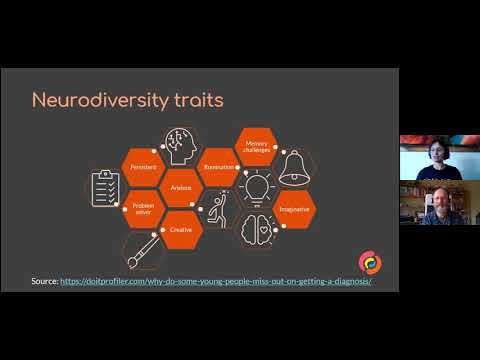
summary
WCAG-driven, practical checklist for cognitive accessibility: use plain language, short sections with clear headings and TLDR summaries; avoid idioms and numeric-only scales; prefer visible labels, allow save-and-resume and tolerant input (phone numbers with or without spaces), and prefill or support redundant entry to stop retyping. Remove puzzle CAPTCHAs, limit motion/autoplay, surface up to five primary choices, offer breadcrumbs/search and multiple support channels as findable help; drafts map to WCAG 2.2 authentication and help criteria.
AI-written summary · about
chapters (15)
- 0:00Introduction
- 3:06Understanding user needs
- 7:08COCA
- 8:01Language Needs
- 8:41Design Considerations
- 12:38Avoiding Mistakes
- 13:35Providing Instructions
- 17:19Providing Feedback
- 19:22Optimization
- 21:33Instructions
- 25:56Navigation
- 30:20Proximity
- 32:37Search
- 35:17Findable Help
- 37:29Resources
related talks
 39mUX & Cognitive Accessibility
 50mDesigning for neurodiversity
 53mUsability useful for everyone
 44mDesigning with Accessibility in Mind
 01h 00mAccessible UX: Design for the rest of us
 01h 03mAccessibility: Making your websites more inclusive
 38mGuidelines on Designing for Accessibility in UX Design
 49mRedesigning for Cognitive Ease