Practical tips to elevate your UX and accessibility

summary
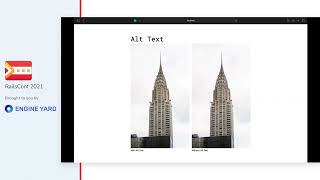
Concrete fixes: move labels above inputs cuts visual fixations from 32 to 18 on a form, and splitting long numbers into chunks or pages with a progress bar raises completion. WebAIM finds 97.4% of top 1M pages have accessibility issues and ~97% of those fall in six categories, so prioritizing contrast (WCAG AA 4.5, AAA 7; aim higher), alt text (two thirds of images fail), and input labels yields big wins. Use contrastchecker.com and Chrome DevTools; one internal workflow bug costs ~600 staff-hours/year.
AI-written summary · about
chapters (11)
- 0:00Introduction
- 3:12UI vs UX misconceptions
- 7:55Forms and cognitive load
- 13:19Smart defaults and errors
- 23:50Error messages and instructions
- 29:18Consistency and platform standards
- 33:13Hierarchy and readability
- 39:22Accessibility issues on the web
- 43:18Image alt text and contrast
- 48:08User flow efficiency
- 51:53UX as afterthought
related talks
 46mPractical tips to elevate your UX and accessibility
 22mWeb Accessibility - a better user experience for everyone!
 52mEssential Accessibility Annotations for a Smoother Design to Development Handoff
 52mDesigning inclusive and accessible experiences
 25mPrevent, Catch and Fix Accessibility Issues
 37mMaking A Strong Case For Accessibility
 48mCoding For Accessibility Best Practices from the Front Lines
 41mAccessibility is a Requirement