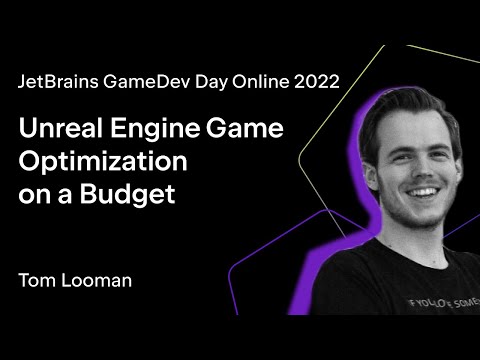
Unreal Engine Game Optimization on a Budget
summary
Practical checklist for immediate wins: run Unreal Insights with trace channels and bookmarks to find whether the bottleneck is game thread, render thread, or GPU; run memreport -full and obj list class to find unexpected 100–200+ MB body setups; use DumpTicks grouped and stat vobjects to stop needless ticking; enable Significance Manager to reduce tick/update rates by distance; use Oodle compression and Animation Compression Library (reported ~50x faster compress, much smaller runtime memory) and distance/occlusion culling to cut draw and shadow cost.
AI-written summary · about
chapters (27)
- 0:00Intro
- 2:15Start
- 2:42Table of Contents
- 3:07Who am I?
- 3:56Preparing for Profiling
- 5:22Find the bottleneck
- 7:55Unreal Insights
- 8:40Insights: Trace Channels
- 9:25Insights: Bookmarks
- 10:08Insights: Custom Stat Profiling
- 10:57Insights: Tips
- 12:20Memreport -full
- 14:35DumpTicks
- 18:12Collision & Physics
- 21:40Moving Scene Components
- 26:09Significance Manager
- 28:15Occlusion Culling
- 34:23Light Culling
- 35:57Level Streaming
- 39:10Animation & Skeletal Meshes
- 43:50Oodle Compression
- 45:50SynthBenchmark
- 47:10Shadow Proxies
- 48:00SizeMap (Disk & Memory)
- 48:40Statistics Window
- 49:39Useful Console Commands
- 51:15Q&A Time!
related talks
 01h 03mMaximizing Your Game's Performance in Unreal Engine
 31mOptimization Techniques in UDK/UE3
 43mOptimizing animations in Unreal Engine 4
 21mOptimization: a broad intro
 58mUE4 Performance and Profiling
 39mFantastic Bottlenecks and Where to Find Them
 58mOptimization in UE4 for Not-So-Technical People
 41mWe’ve Got Your Back: Engineering Optimization Ease