You’ve Inherited a Website - Now What-
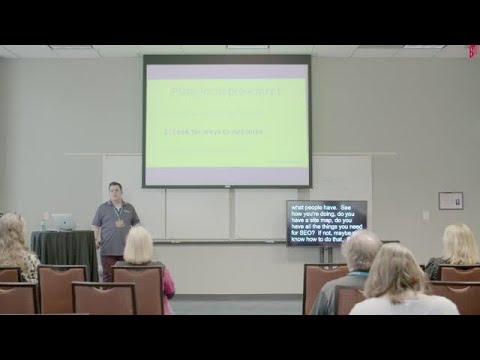
summary
Starts by getting an admin login and inventorying plugins, theme and child theme, then verifies domain and hosting ownership (domains, subdomains, third‑party apps) and assembles emergency contacts. Enforces the principle of least privilege by changing emails on file or replacing accounts rather than swapping passwords, uses LastPass/1Password judiciously, and requires backups with a verified test restores procedure (host backups + offsite copies such as S3). Uses a staging environment to test theme/plugin changes, A/B tests calls‑to‑action, and prioritizes a backlog for phased deployment.
AI-written summary · about
chapters (41)
- 0:00Intro
- 1:51Understanding the responsibility
- 4:02Who owns the domain
- 5:33Who owns the software
- 6:31Have a point of contact
- 6:57Other things to consider
- 7:25Email accounts
- 7:59Managing Twitter
- 9:05Handoffs
- 10:30Replacing the account
- 11:07Other types of accounts
- 11:34Handoff
- 11:48Questions
- 12:06Principle of Least Privilege
- 12:21Account Takeover
- 12:51Least Privilege
- 14:28User Roles
- 16:14Make it Secure
- 16:54Backups Versioning
- 17:43Backups vs Restores
- 19:22Take your own backups
- 19:35Versioning in place
- 19:52Planning
- 20:24Optimization
- 20:55Goals
- 21:39Content Audit
- 22:09Backend Changes
- 22:27AB Testing
- 23:36Stakeholders
- 24:08Put everything in order
- 24:46Create a priority
- 25:54Lock things down
- 26:16Staging and deployment
- 29:01Ask for help
- 29:51Plugins for backups
- 31:05Try it out
- 32:35Question
- 36:45Audience Recommendations
- 37:56Documentation
- 39:30Assessing Plugins
- 41:28Is There a Rule