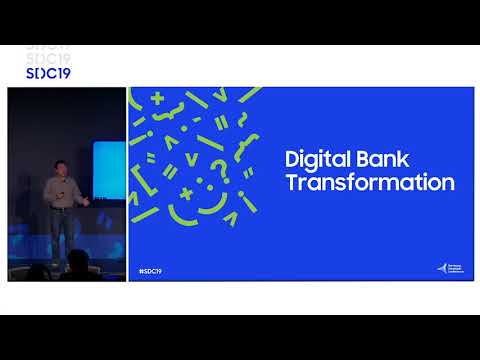
Developer's Insight: Transforming Business with DeX
summary
Practical demo of converting phones into workstations using Samsung DeX, showing a mobile‑first bank branch and a retail POS implemented with docking/undocking, VDI fallback, and a DeX-on-PC workflow; apps become resizable by adding an Android manifest meta tag, state survives undock via saved instance bundles, and device policies, kiosk and per‑mode app control use Knox customization APIs. Live demos mostly succeed (four of five), proving the approach.
AI-written summary · about
chapters (16)
- 0:00Introduction
- 1:09History of computers
- 5:45Smartphone only users
- 7:10What is DeX
- 8:46Customer Experience
- 10:27Mobile First Branch
- 14:13Challenges
- 17:45Demo
- 21:16Android Manifest
- 22:37Application Demo
- 24:54Handling Runtime Changes
- 26:41Undocking Docking
- 30:52Demo Application
- 35:28Demo Phone
- 40:56Demo Code
- 46:07Events Resources
related talks
 33mDo What Your Phone Can't With Samsung DeX
 42mOptimizing Android apps for desktop experience
 40mHow to Develop Applications to Create Seamless Workspaces
 47mOptimizing Android apps for desktop experience
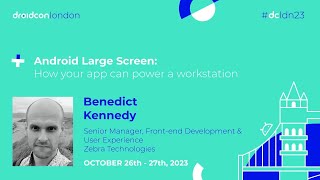 40mAndroid Large Screen:How your app can power a workstation
 47mDual-Screen and Multi-Modal: Rethinking modern mobile apps
 06mInterview
 47mDual-Screen & Multi-Posture: Let’s Rethink Mobile Apps