How to Accessibility if You’re Mostly Back-End
summary
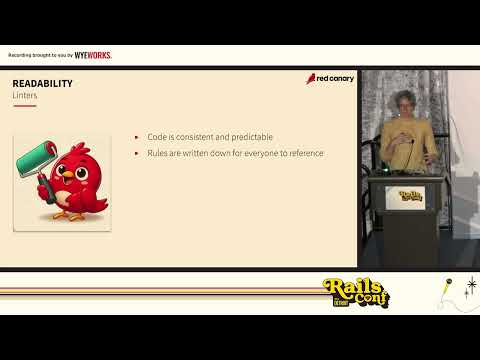
Backend work affects accessibility through concrete, testable changes: use avoid abbreviations everywhere, pick descriptive names and underscores in APIs, run linters like RuboCop and ESLint to enforce consistent formatting, and keep line length near the 75–100 character sweet spot. Add narrative specs so tests read as documentation, publish transcripts/captions (Zoom transcript worked for the team), and choose vendor tools that support contrast, keyboard nav, and customization. Reminders: 16% of people have disabilities, 8% of men are color blind, and >10% of developers report concentration disorders.
AI-written summary · about
chapters (11)
- 0:00Introduction
- 1:48Accessibility
- 6:58Code readability
- 14:29Indent
- 17:17APIs
- 19:38Tests
- 23:53How to make it good
- 26:23Keeping it simple
- 28:28Avoiding Ampers
- 31:23Documentation Tips
- 37:38Engineering Policies
related talks
 30mHow to Accessibility if You’re Mostly Back-End
 26mHow to Accessibility if You’re Mostly Back-End
 36mThe Human Side of Accessibility
 29mHow to bring accessibility into your teams
 41mTales of Accessibility Failures
 14mAccessible Accessibility
 12mAccessibility-First Development: Making Applications Inclusive from Day One
 26mDon't Develop Just for Yourself - A Developer's Checklist to Accessibility