The Human Side of Accessibility

summary
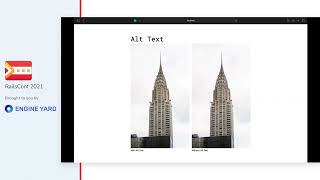
Accessibility affects more than 1 billion people (about 15% of the world, ~65 million blind), so prioritize it before delight features; many teams still put visuals first. Follow WCAG 2.1, enforce color contrast >= 4.5 (7 for AAA), use 16px minimum body text and 44px touch targets, honor prefers-reduced-motion, and keep semantic HTML (headings, nav as lists, meaningful alt and link text). Test with Axe + Lighthouse, tota11y and screen readers (NVDA/JAWS/VoiceOver); inclusive component libraries like Reach UI reduce the work.
AI-written summary · about
chapters (12)
- 0:00Start
- 17:55Color Contrast
- 20:00Patterns and colors
- 20:26Typography
- 21:23Animations
- 23:50Page Semantic
- 26:42Images & Links
- 28:12Keyboard Nav
- 30:01Outline
- 32:07Touch Area
- 33:15Lighthouse
- 35:16Take Ownership
related talks
 53mThe Human Side of Accessibility
 22mWeb Accessibility - a better user experience for everyone!
 44mDesigning with Accessibility in Mind
 01h 03mAccessibility: Making your websites more inclusive
 13mDemystifying Web Accessibility
 28mBuilding in accessibility for broader value to all
 52mCommon Accessibility Pitfalls
 41mAccessibility is a Requirement