Qt Quick - User Interaction - User Input and States (part 2/4)
summary
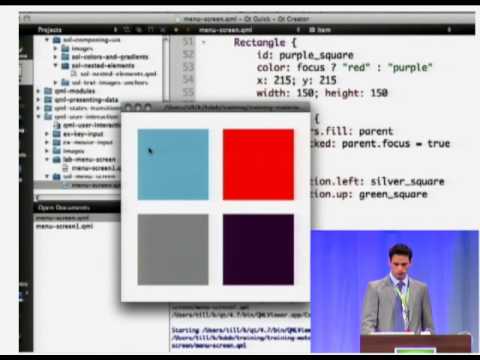
Recreates a small QML launcher (assets, images, text) and walks live through building it in Creator so examples run as shown; demonstrates mouse areas for touch/mouse hit zones, keyboard focus and key navigation, and two ways to handle input via property bindings or signal handlers. Explains managing UI logic with states and transitions, uses property changes plus number/color/rotation animations, shows reversible transitions and nested states, and includes working code and slides for hands-on labs.
AI-written summary · about
chapters (10)
- 0:00Introduction and lab setup
- 9:30Building the launcher UI
- 19:21Handling mouse input
- 25:44Keyboard input basics
- 33:38Introducing states and transitions
- 47:07State conditions and transitions
- 58:08State machine in a real app
- 1:09:10Animations overview
- 1:15:36Sequential and parallel animations
- 1:20:50Lab and break announcement
related talks
 01h 02mAnatomy of real world apps, Qt Quick and C++
 53mQt Quick Best Practices and Design Patterns
 49mQt Quick Best Practices and Design Patterns
 28mA Desktop UI with Qt Quick
 24mDesigning UI Architecture for Embedded Devices with Qt and QML
 56mQt Quick Components Deep Dive
 30mThe building blocks of QML, and how to use it with C++
 26mPractical application scripting with QML