Dear Blue Team: Forensics Advice to Supercharge your DFIR capabilities
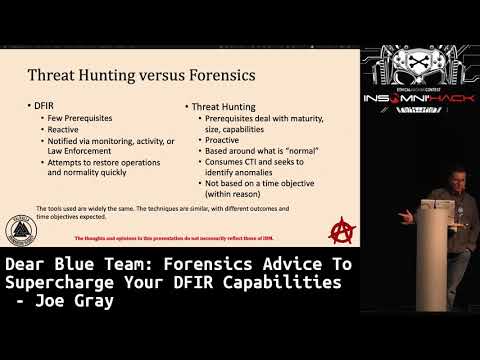
summary
Practical checklist: pre-incident collection of memory, PCAPs and NetFlow, periodic hashes of registry hives and critical binaries, and capture a golden-image memory baseline to diff processes/services/drivers against live images; use FTK Imager or Recall for acquisition and Volatility or Redline for analysis. Expect memory capture time ≈ 2–2.25× RAM size in minutes (12 GB ≈ 26 min). Require ~13–14 CIS controls before effective hunting. Cheap trick: enable built-in admin with a simple password and set logon hours to zero as a free honeypot alert.
AI-written summary · about
chapters (18)
- 0:00Introduction
- 1:02Why this topic
- 1:52What is DFIR
- 2:51Threat Intelligence
- 5:36Types of forensics
- 7:55Tools Techniques
- 9:53Prerequisites
- 11:51Logging
- 14:40Notifications
- 22:23Memory Analysis
- 26:14Other Capabilities
- 27:36Other Files
- 28:51Other Processes
- 31:02Baselines
- 34:17Peak Apps
- 36:05Demonstration
- 43:47Demonstration with Sift
- 47:28Recap