A Day in the Life of a Mobile Malware Reverse Engineer
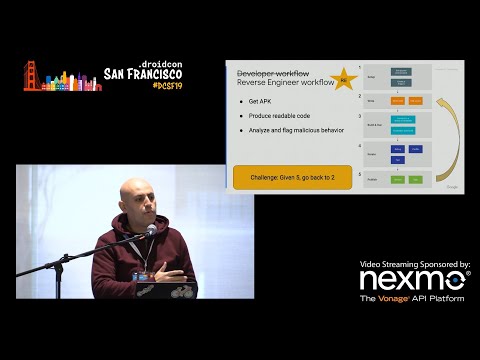
summary
Daily workflow for Android malware reverse engineering: fetch APKs from Play Store, OEM builds or device-sent samples; unpack DEX to Smali and decompile with tools like JADX, Androguard, JEB; spot hardcoded URLs, base64/XOR/AES obfuscation, or JNI/SO native libraries that decrypt staged APKs (example: cccom.swift.tailordata carrying a stage‑one APK that fetches a rooting exploit). Static analysis yields ~98% usable Java from decompilers; ~10% of detections require human follow‑up and dynamic analysis to defeat emulator/cloaking checks.
AI-written summary · about
chapters (9)
- 0:00Introduction to malware reverse engineering
- 3:10Google Play Protect overview
- 6:54Malware categories and threats
- 9:02Fetching applications for analysis
- 12:10Reversing Android applications
- 17:24Tools for decompilation and analysis
- 21:15Obfuscation and packing techniques
- 24:25Dynamic analysis challenges
- 26:56Skills and impact of reverse engineering
related talks
 29mA day in the life of a mobile reverse engineer
 30mA day in the life of a mobile reverse engineer
 48mSecuring the System: A Deep Dive into Reversing Android Pre-Installed Apps
 45mReverse engineering mobile apps: how, why, and what now?
 38mReverse Engineering is not just for hackers
 47mAttacking Android Applications
 20mAttack & Defend, Defend & Monitor, Monitor & Respond
 49mAll Your Code Belongs To Us (Dismantling Android Secrets With CodeInspect)