Invading the home screen
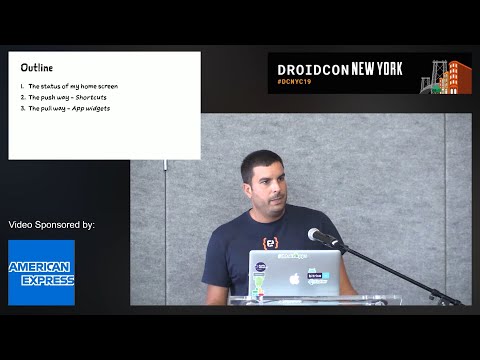
summary
Describes concrete steps to turn a flat Android home screen into active entry points using app shortcuts and widgets: implement static, dynamic, and pinned shortcuts with ShortcutInfo.Builder and ShortcutManager, set ranks and call reportShortcutUsed for system prediction, respect the five‑spot limit (recommend 4) and label limits (short ≤10, long ≤25), offer requestPinShortcut for user pinning, prefer remove+add over in-place edits. For widgets use RemoteViews, appwidget-provider XML (minWidth/minHeight, updatePeriodMillis), update via a background service to avoid ANRs.
AI-written summary · about
chapters (8)
- 0:00Introduction
- 1:19Home screen status
- 3:27Push way with shortcuts
- 9:11Dynamic shortcuts
- 14:08Pinning shortcuts
- 18:20Pull way with widgets
- 26:52Widget updates
- 31:25Improving user engagement
related talks
 20mApp Shortcuts
 21mExploiting Android Icons for Fun and... Probably Not Profit
 28mCustom Launcher – Why and How do I build one?
 16mAndroid shortcuts for Assistant
 36mPimp my Widget
 24mUI That Connects an Android App's Inside and Outside
 41mData-backed app widget development — with Jetpack Glance
 45mLaunch Screens: From a Tap to Your App