~/talk

Making Your JAMstack Site Accessible
Talkat axe-con 2021 · 2021-03-10..03-11· [accessibility, web-platform]
name:Kyle Boss
linkedin:kyleboss
slides:none on file

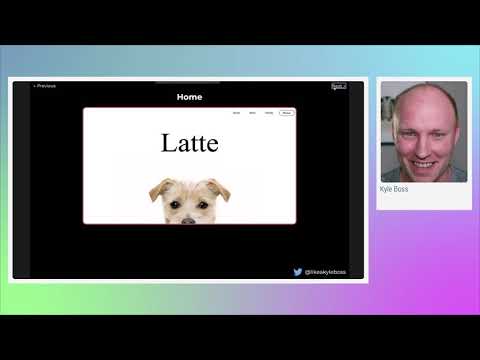
Demo site latte.dog runs on Next.js and shows two concrete fixes: a route announcer React component using aria-live="assertive" and role="alert" plus a visually-hidden CSS class so screen readers announce page changes immediately without rendering text, and a higher-order image component that defaults missing alt to "" so lazy‑loaded, optimized images don’t expose filenames to assistive tech. Both fixes are implemented and verified live with a screen reader during the session.

AI-written summary · about

  1. 0:00Introduction and welcome
  2. 1:50What is JAMstack
  3. 9:57Accessibility challenges in JAMstack
  4. 13:03Fixing navigation accessibility
  5. 27:39Implementing route announcer
  6. 30:27Image optimization and alt tags
  7. 38:04Crafty solutions for accessibility
  8. 40:34Closing and Q&A
~/search
type to search 8,222 conferences, 162,397 speakers and 219,688 talks
~/help
cmdctrl k
search every conference, speaker and series
/
focus the filter search
h
home
c
conferences
s
speakers
e
series
t
light / dark — the status bar button does the same
← →
on a talk: 5 seconds back / forward
0–9
on a talk: jump to 0%–90% of the recording
?
this help
esc
close this, then clear every filter — or just the search, while you are typing in it

Ignored while you are typing. Pages without a filter rail have no search to focus.