How to clean up the WordPress Database
summary
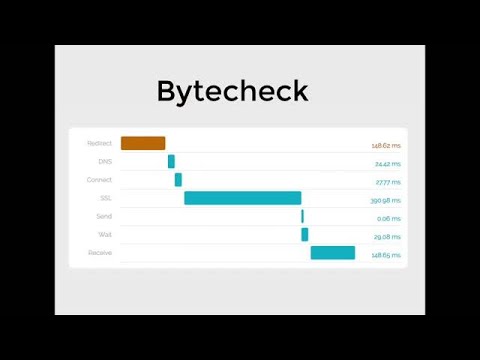
Site slow because MySQL loads huge rows not because of hosting; one real case has almost 300 MB of junk in the options table (cleared in five minutes) causing crashes. Use Pingdom/GTmetrix to watch time to first byte and server wait (under 200 ms goal). Inspect with phpMyAdmin or the command line, back up with WP Migrate DB, run SQL to measure wp_options autoload megabytes, and remove large plugin or logging tables; WP‑Optimize helps but isn’t a full fix.
AI-written summary · about