Update Smart: Using a Staging Site!
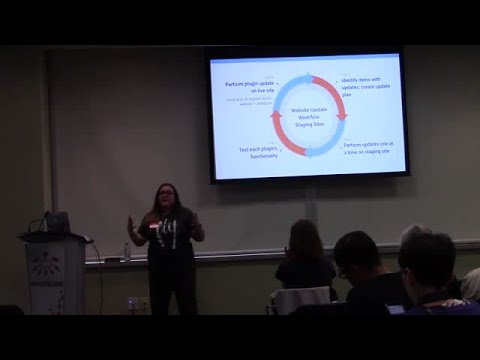
summary
Recommends using a private copy of the site to test updates safely and avoid live downtime, demonstrating four concrete creation methods: create staging with backup plugin, host one‑click staging (WP Engine, Flywheel, SiteGround, GoDaddy/a2 on managed plans), third‑party service like w3stagecoach (clones auto‑deleted after 14 days), or manual clone/local tools (Local by Flywheel, DesktopServer/ServerPress). Workflow: plan updates, apply one plugin at a time on staging, test 100 orders and full flows for WooCommerce, then push or reapply to live; practical tips include change dashboard color and treat staging as temporary.
AI-written summary · about