One of the Hidden Gems of WooCommerce - Stock Management
summary
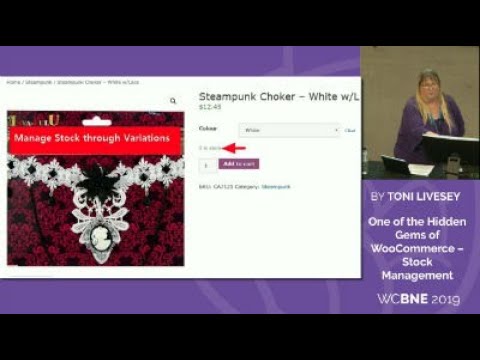
Shows how to turn on global stock control by tick Manage stock in WooCommerce settings then set per-product SKUs, quantities and variation-level stock so each size/color decrements separately. Demonstrates low-stock alerts (example threshold = 2), hiding out-of-stock items, allowing backorders, and bulk updates via CSV or Quick Edit. Explains syncing options with POS and accounting: use Vend or Square or Xero or QuickBooks to keep warehouses in sync, and how to show quantity remaining when low so customers and admins see real-time counts.
AI-written summary · about
chapters (12)
- 0:00Introduction to stock management
- 2:54Why stock management matters
- 5:40Enabling stock control in WooCommerce
- 7:29Setting up global stock management
- 11:04Managing simple and variable products
- 15:48Bulk editing and quick updates
- 16:11Multi-site and multi-warehouse stock
- 18:05Exporting and bulk updating stock
- 19:12Integrating with eBay and Amazon
- 20:35Reporting and accounting integration
- 21:49Advanced stock management plugins
- 22:54Q&A session