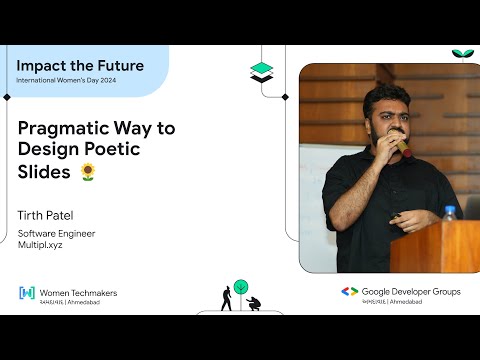
Pragmatic Way to Design Poetic Slides
summary
Advice for slide design focuses on concrete techniques: use Keynote Magic Move for smooth image/text transitions, export code as Carbon screenshots or reveal snippets line-by-line with a dissolve animation and opaque boxes, tighten titles with wordplay (examples for Flutter + Gemini shown), prefer screenshots over long text, limit gimmicky rotations, sprinkle timely memes sparingly, add a QR feedback form, list agenda and prerequisites, and show one working demo or clear command snippets rather than full files.
AI-written summary · about
chapters (12)
- 0:00Introduction to poetic slides
- 1:47Designing slides overview
- 3:32Crafting catchy titles
- 6:48Ice breakers and storytelling
- 7:54Agenda and expectations
- 9:21Visuals and code snippets
- 11:53Animations and transitions
- 12:59Highlighting source code
- 14:46Using memes effectively
- 15:48Bonus tips for speakers
- 17:14Resources and references
- 18:38Acknowledgments and closing