Lessons from training
summary
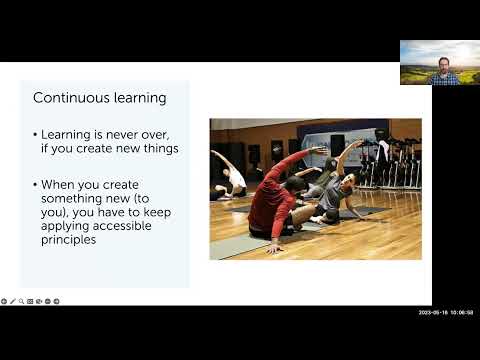
After 15 years running one-day product team training the common reality is low starting knowledge — about one in ten attendees report prior training and a recent cohort rated knowledge as two fair, five a little, seven almost nothing. Exercises force fixes: keyboard testing exposes missing focus and led teams to change templates after a markup exercise; a developer once added tabindex="0" on everything; low-vision checks reveal input border 1.5:1 contrast. Component libraries and automated checks speed testing but do not replace manual review. Continuous learning is essential.
AI-written summary · about
chapters (36)
- 0:00Welcome and introduction
- 1:47Training lessons overview
- 2:08Common accessibility training gaps
- 6:27Continuous accessibility learning
- 7:31Preempting training pushback
- 8:56Legal and user impact arguments
- 11:25Accessibility as professional duty
- 12:07Testing for accessibility basics
- 13:10Keyboard accessibility exercise
- 15:40Screen reader and structure training
- 18:50Low vision and contrast requirements
- 20:34HTML structure knowledge gaps
- 22:00Markup exercises and design collaboration
- 25:11ARIA principles and implementation
- 26:36Cognitive and deafness accessibility
- 28:01Usability testing for cognitive needs
- 29:26Autocomplete and input guidance
- 30:09Organizational accessibility maturity
- 31:11Training and procurement requirements
- 33:18Accessibility annotations and artifacts
- 35:03Systematic design and component libraries
- 36:26Automated and manual testing
- 37:51ARIA as supplementary tool
- 38:32Call for reduced training need
- 39:57Q&A session begins
- 40:17Organizational maturity questions
- 42:01Screen responsiveness and accessibility
- 43:25Procurement accessibility checklists
- 46:11Retrospective vs built-in accessibility
- 48:21Recruiting users with accessibility needs
- 49:47Addressing skill gaps in teams
- 50:48Senior management buy-in arguments
- 53:38Avoiding accessibility overlays
- 55:21Recommended training for content designers
- 56:06Advocating for accessibility in product companies
- 58:13Closing remarks and next session