The definitive deep dive into the git folder

summary
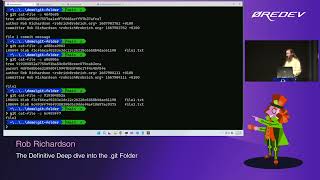
Creates a repo and opens .git to show exact storage: commits trees blobs live as zlib‑compressed objects, first two hex chars as folder names, and blobs store whole file contents (so amended secrets still exist until gc). Demonstrates zlib decompression with a custom unzipper Node tool, inspects objects with git cat-file and git ls-files, visualizes the graph with git-explorer, shows bare remote pushes, refs and reflogs, hook examples, index behavior, git instaweb, and config aliases.
AI-written summary · about
chapters (19)
- 0:00Introduction and setup
- 2:33Creating a Git repository
- 3:59Exploring the .git folder structure
- 5:25Understanding Git objects
- 8:14Commits, trees, and blobs
- 10:02Git Explorer demo
- 13:16Adding folders and files
- 15:25Modifying and amending commits
- 18:47Git garbage collection and secrets
- 21:00Refs and branches
- 22:30Detached HEAD state
- 26:48Remote branches and servers
- 31:07Git hooks for automation
- 35:07Exclude and ignore files
- 36:33The index file explained
- 38:04Git instaweb server
- 39:10Git config files
- 42:42Git aliases and shortcuts
- 43:48Summary and resources
related talks
 53mThe Definitive Deep Dive into the git Folder
 01h 07mThe definitive deep dive into the .git folder
 01h 08mThe definitive deep dive into the .git folder
 01h 00mThe Definitive Deep Dive into the .git Folder
 35mWhat's inside the .git folder
 42mInside the .git folder - Explore the mysterious depths...
 01h 00mDeep Dive into Git
 26mThe Zen of Git