~/talk

Give your local dev tools the love they deserve
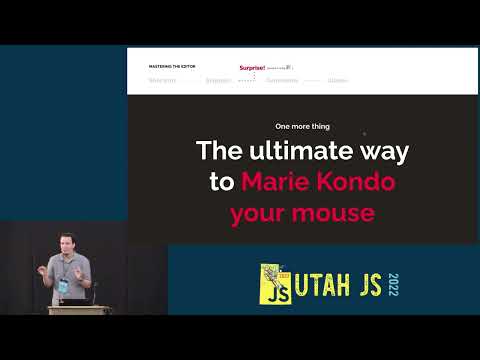
Talkat UtahJS Conf 2022 · on Friday, 2022-09-23· [developer-experience]
links:none on file
slides:none on file

Practical tour of local dev tooling that shows exactly what to change: how to open VS Code’s command palette and edit keyboard shortcuts JSON, create snippets with $1/$2 tab stops for React and tests, enable VSCodeVim, and use the shell for history|grep then bang to re-run commands. Demonstrations include oh-my-zsh autocomplete, defining alias y=yarn in ~/.zshrc plus source, and a notify hook that plays a macOS sound when long jobs finish.

AI-written summary · about

  1. 0:00Introduction and setup
  2. 1:44Why devtools matter
  3. 3:27Keyboard shortcuts deep dive
  4. 5:55Snippets and boilerplate
  5. 9:04Vim and CLI basics
  6. 10:50Command line efficiency
  7. 12:55Aliases and automation
  8. 14:20Summary and next steps
~/search
type to search 8,222 conferences, 162,397 speakers and 219,688 talks
~/help
cmdctrl k
search every conference, speaker and series
/
focus the filter search
h
home
c
conferences
s
speakers
e
series
t
light / dark — the status bar button does the same
← →
on a talk: 5 seconds back / forward
0–9
on a talk: jump to 0%–90% of the recording
?
this help
esc
close this, then clear every filter — or just the search, while you are typing in it

Ignored while you are typing. Pages without a filter rail have no search to focus.